Watch live
Live TV
Switch channels and browse the list with ease using your remote.
Smart IPTV for your TV
Watch TV in a convenient interface, browse the programme guide and explore features made for the big screen.
A 7-day trial is available for eligible devices. Eligibility is checked in the existing activation flow.
Available to download from the AI4TV website.
Real screens from the AI4TV app.
Made for TV
Practical tools for watching and organising your own TV sources.
Switch channels and browse the list with ease using your remote.
See what is on now and next without losing track of what you are watching.
Schedule and manage recordings on your TV. Availability depends on your device, permissions and storage.
Pause and replay are in development and are not available in the public release.
Clear focus, simple navigation and controls designed for a D-pad.
Add your own source and manage your channel list through the existing setup flow.
EPG + PVR
Browse the TV guide, choose a programme and, when recording is available on your device, schedule it directly from the EPG.
Device verification is partial: a scheduled recording started and could be stopped from My recordings. Automatic completion and playback need further testing.
Product gallery
Screenshots come from the app running on a TV screen.
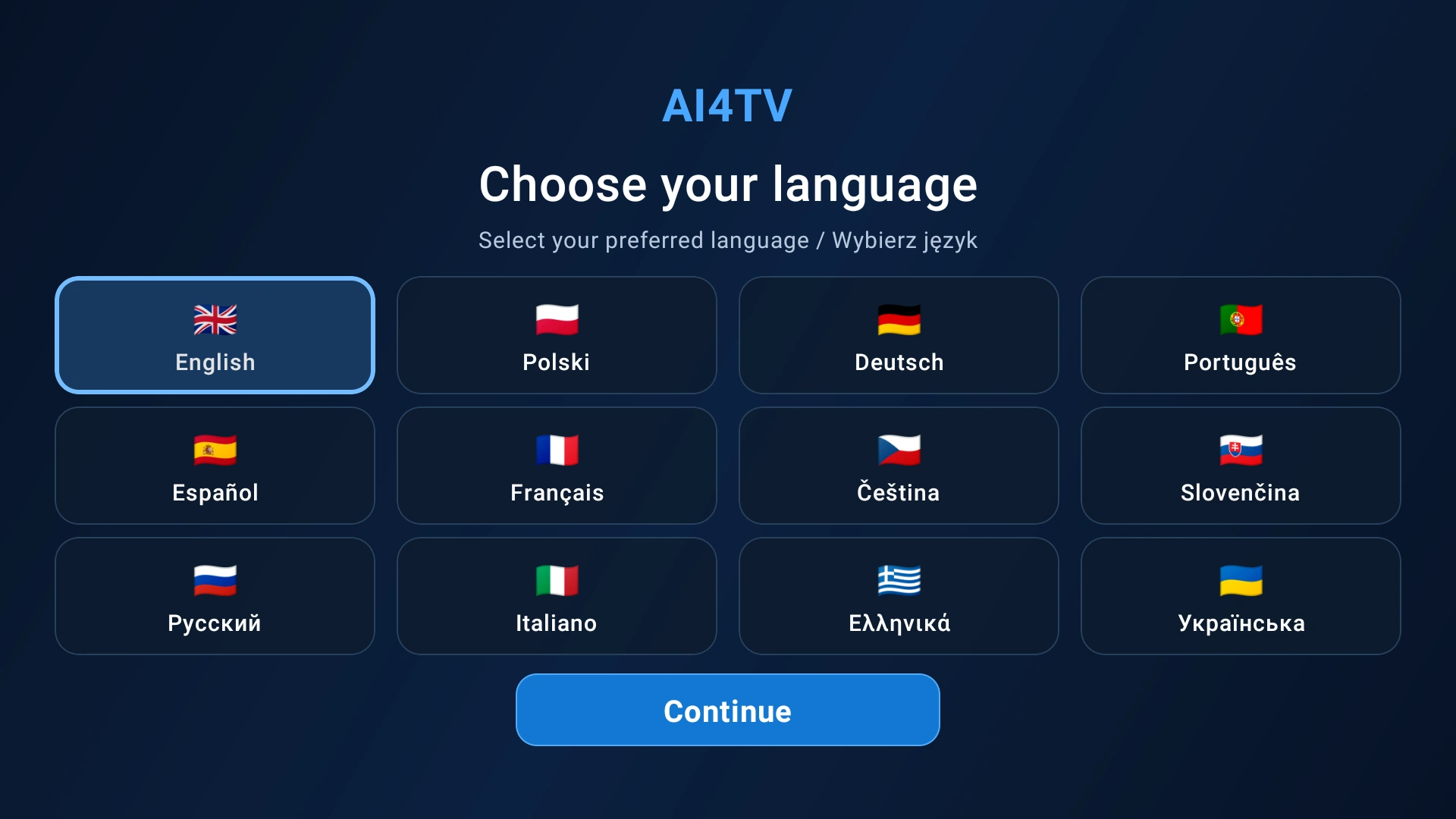
Language selection
The first screen when starting the app.
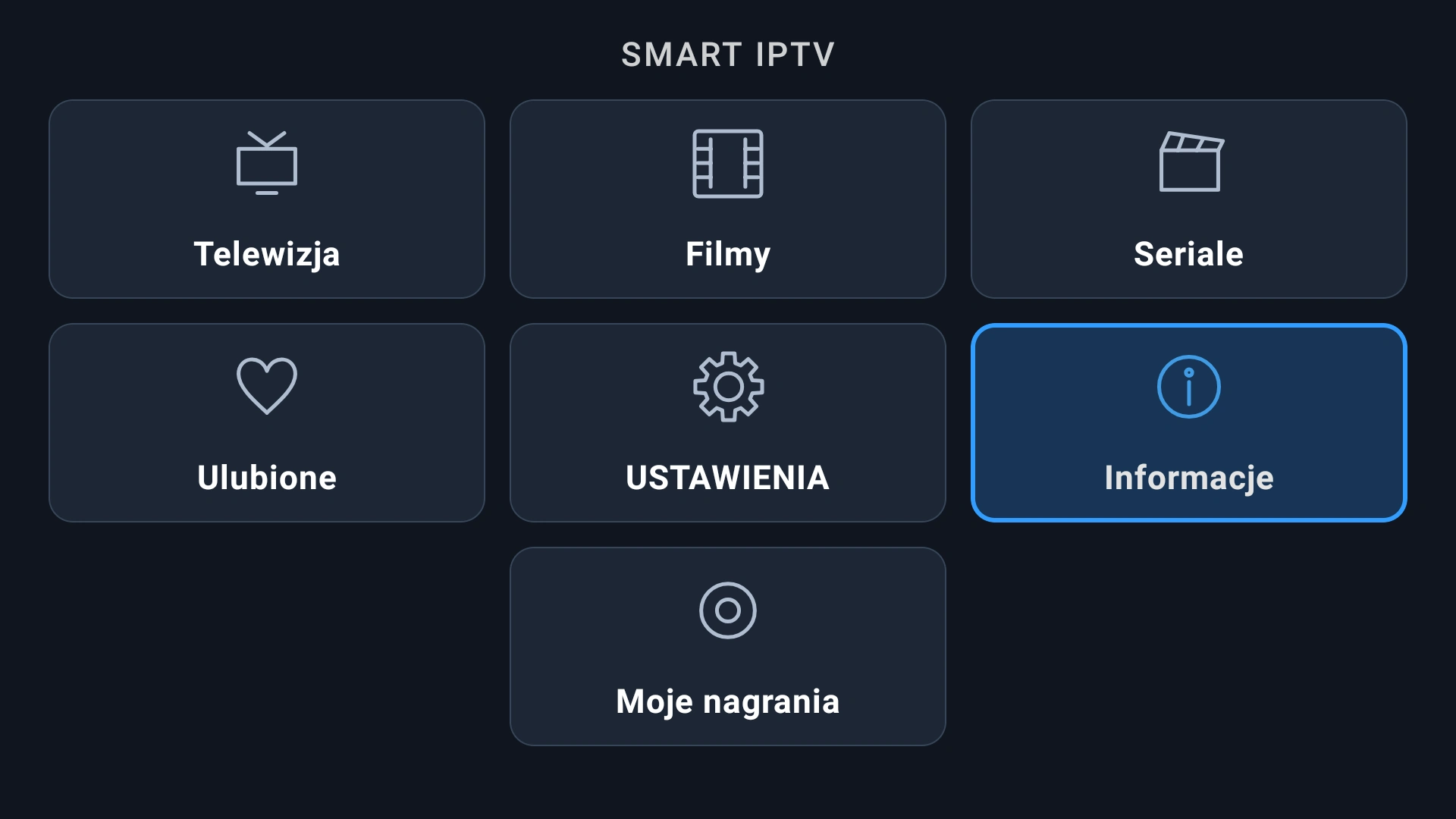
App hub
The home screen with categories and settings.
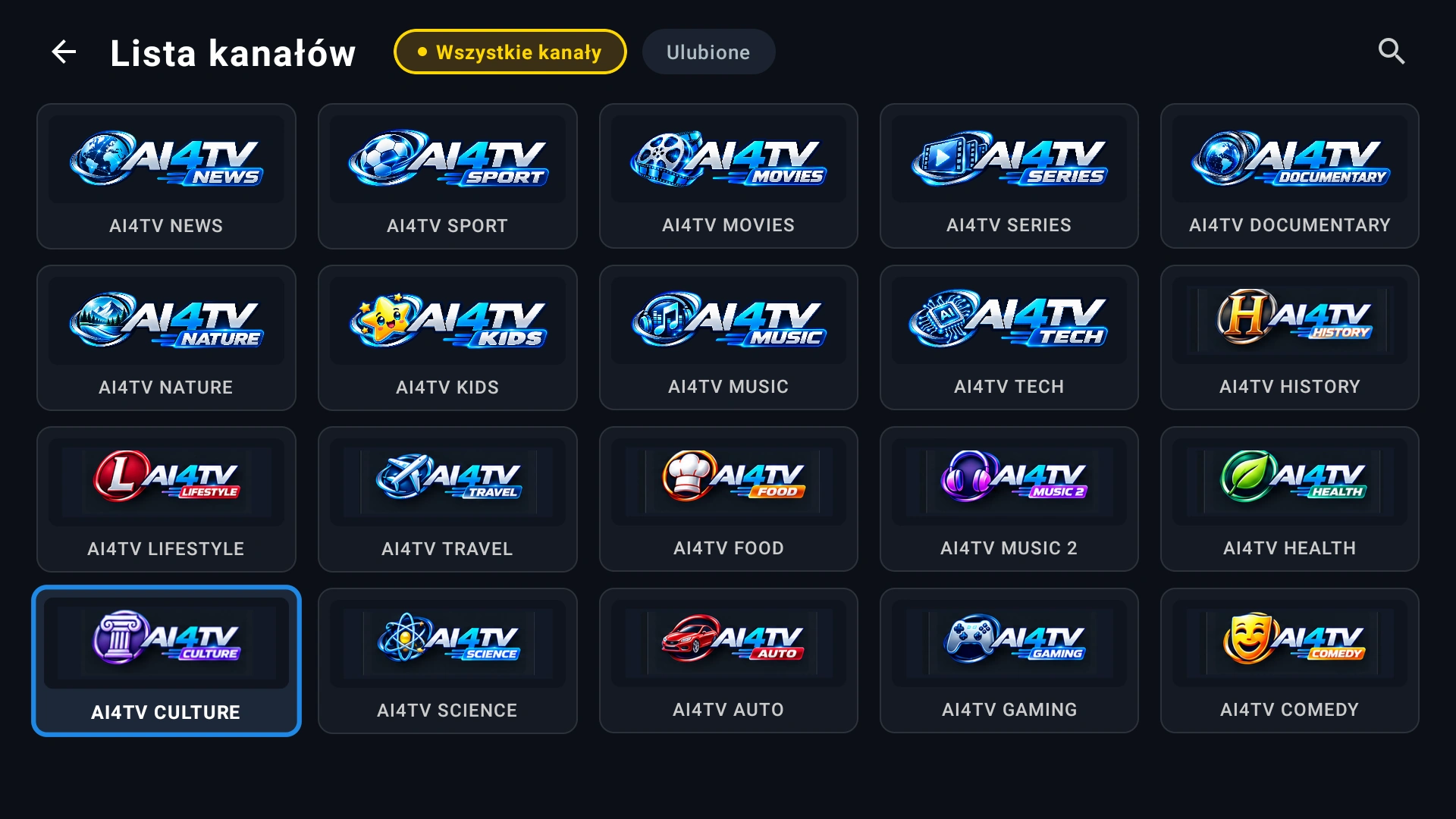
Channel list
Channel list view on the TV screen.
Compatibility
The release is available as an APK from the AI4TV website.
The release is available as an APK from the AI4TV website.
Try it on your TV
Try the app on your TV. If you like it, activate your device for 12 months for £9.99.
AI4TV is a media player. The app does not provide channels, playlists or TV content. Users supply their own lawful sources.